
All creators struggle with cluttered or distracting image backgrounds. As a professional who has edited hundreds of visuals, I know how time-consuming manual tools can be. Even with experience, achieving smooth, natural results under tight deadlines is challenging. Beginners often waste hours trying to get consistent quality, and traditional methods can be frustrating.
After testing many options, a few transparent background maker tools stood out for speed, accuracy, and ease of use. From AI-driven platforms to drag-and-drop interfaces, CapCut excelled with a smooth workflow and reliable results, making it my top recommendation for clean, professional visuals.
Brief Comparative insights of top 10 tools in 2026
Before finalizing the top ten transparent background tools for 2026, I tested photo editor platforms using the same set of sample images to understand how well they handled precision edits, fine edges, and high-resolution visuals. My goal was to identify tools that offer consistent, professional-quality transparency with minimum effort.
|
Tool |
Price |
Pros |
Cons |
|
CapCut |
Free / Pro $19.99/mo |
Clean cutouts, beginner-friendly, AI-assisted, smooth workflow |
Pro features behind paywall, limits on very high-res images |
|
Picsart |
Free / Gold subscription |
Efficient batch editing, reliable AI, easy interface |
Fine details may be imperfect, manual tools limited |
|
Pixlr |
Free / Premium $7.99/mo |
AI + manual control, handles high-res, versatile editing |
Slightly steep learning curve, premium needed for some features |
|
Pixelcut |
Free / Pro $9.99/mo |
Extremely fast, precise cutouts, watermark-free |
Limited creative flexibility, batch tools need paid plan |
|
Retoucher.online |
Free |
Extremely easy, fast, no sign-up |
Lacks refinement tools, struggles with complex images |
|
OnlinePNGTools |
Free |
Instant results, no installation, minimal learning |
Only PNG input, limited control for complex subjects |
|
PhotoScissors |
Free / Paid desktop version |
Good control over tricky edges, intermediate between simple and full editors |
Free version limits resolution, dated interface |
|
Fotor |
Free / Pro $8.99/mo |
One-stop editing, batch tools, versatile |
Interface busy for beginners, Pro features locked |
|
Erase.bg |
Free / Pro $9/mo |
Fast, reliable, simple workflow |
Limited batch processing, complex images need refinement |
|
VideoBGRemover |
Free preview / $10/mo |
No green screen needed, accurate moving subject detection |
High-res processing slower, full export requires subscription |
Top 10 Transparent Background Maker Tools In 2026
1. CapCut
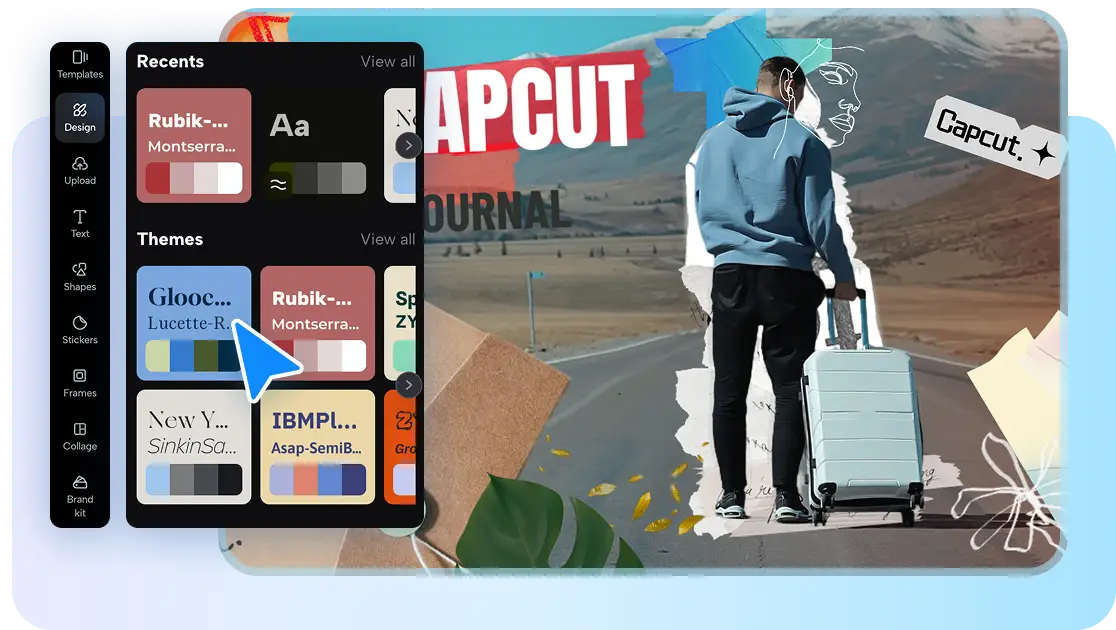
CapCut is a robust online photo editor geared especially toward background removal and transparent background creation. It provides a dedicated transparent background maker: upload your image (PNG or JPG), let the AI remove the background in one click, and optionally replace it or export as a transparent PNG. It even offers an AI background generator to create new scenes or backdrops after removing the original background. The interface is easy enough to use even without being a designer, and thus, you do not need to open up complicated software. It is all online and thus no heavy installations are needed.
CapCut’s Unique Features You Need to Know
- Automated Background Removal: This isn’t just a simple cutout. It offers one-click background removal for images, making complex edits fast and effortless.
- Format Support: Export your images directly in PNG or other popular formats, preserving transparency for seamless integration into designs or presentations.
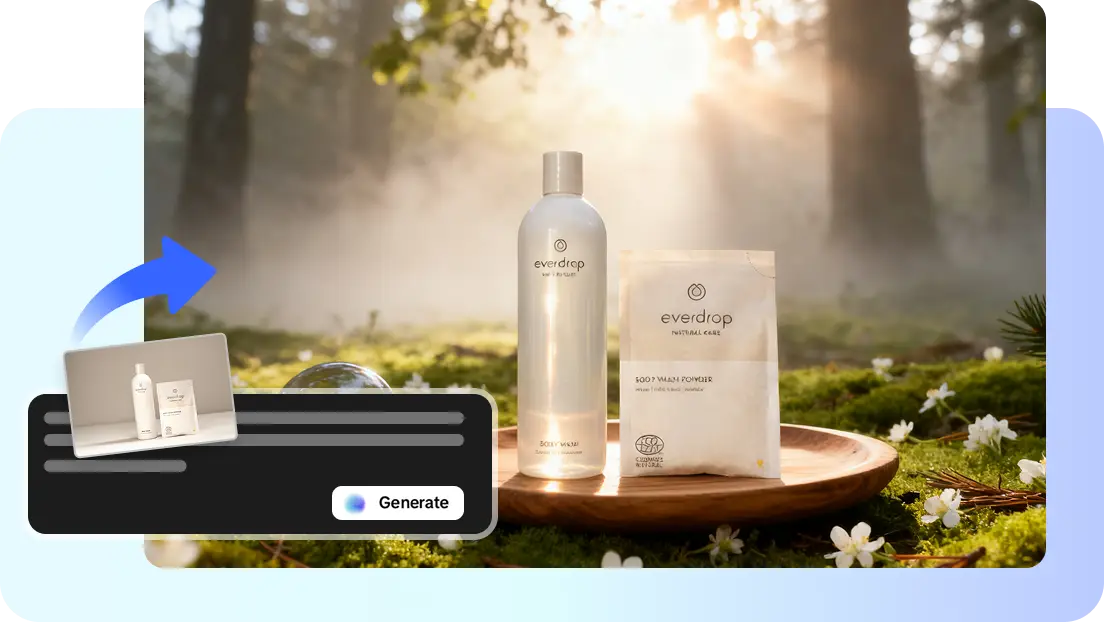
- AI Background Generator: Beyond removal, create entirely new backgrounds from text prompts, giving images a fresh, customized scene with AI assistance.
- Background Replacement: Swap in new images or scenes after making backgrounds transparent, perfect for marketing, social media, or creative projects.
- Beginner-Friendly Interface: No advanced design skills are required. The intuitive interface guides users through every step for quick, professional results.
Where this tool shines in practice
CapCut suits creators who want fast transparent background results without steep learning curves. Its precision and AI-driven workflow make it ideal for clean PNG outputs, quick replacements, and creative backdrops.
Applications: product photos, social media graphics, portraits, logos, marketing banners, thumbnails.
Hands-On Experience
When using CapCut for transparent backgrounds, I consistently enjoy a smooth editing flow. The interface is intuitive, so I never waste time searching for tools. Uploading an image and removing the background takes seconds, and the AI produces results that require minimal correction. I especially like the integrated workspace that allows me to add effects, generate scenes, or export instantly without switching platforms. The cloud-based system helps me continue work across different devices, which is convenient when I’m traveling or multitasking. Even when working with multiple images, I rarely experience slowdown, and that reliability makes CapCut one of my go-to tools for clean, quick transparency work.
2. Picsart
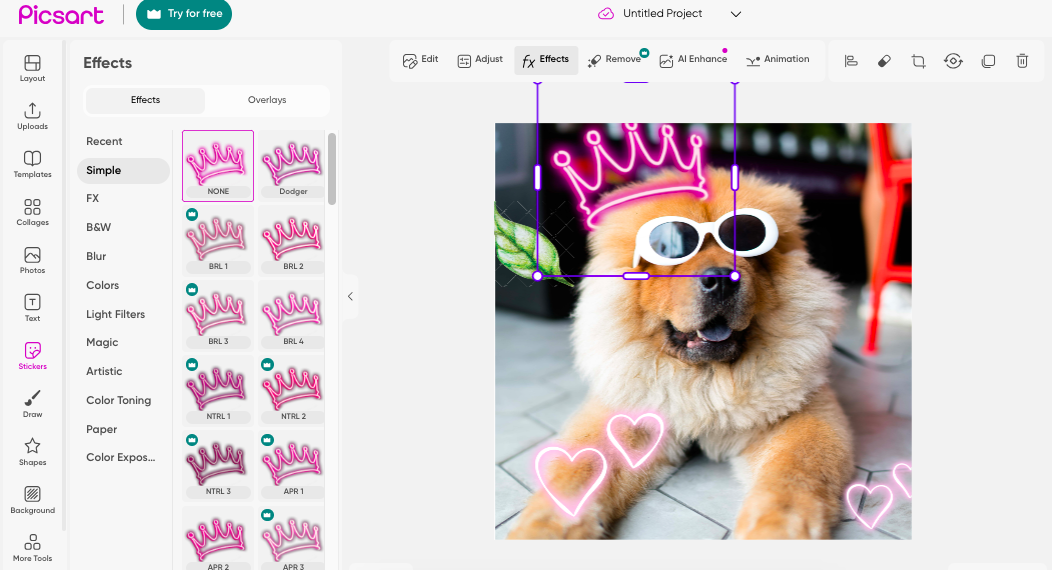
Picsart offers a free web-based PNG Maker, which enables the user to load an image and automatically removes the background, turning it into a transparent PNG. It allows batch conversion (up to 50 images) and automatic conversion of JPEG to PNG. Its interface is straightforward: upload, leave AI to work on it, download. Fine as e-commerce or social-media.
Where this tool shines in practice
Picsart works well for users who need to process multiple images quickly with consistent transparency. It’s great for eCommerce sellers, social media teams, small businesses, and creators producing high-volume PNGs.
Hands-On Experience
My user experience with Picsart has always been centered on convenience. Uploading is instant, and the background removal takes only seconds. The batch conversion in particular has saved me countless hours when working on online shop listings or social content. I like how the interface feels approachable for beginners but still provides enough capability for quick professional work. Navigation is straightforward, and I rarely encounter performance issues even with large batches. While the finer details might not always be perfect, Picsart remains one of the easiest tools for high-volume transparent PNG creation.
3. Pixlr
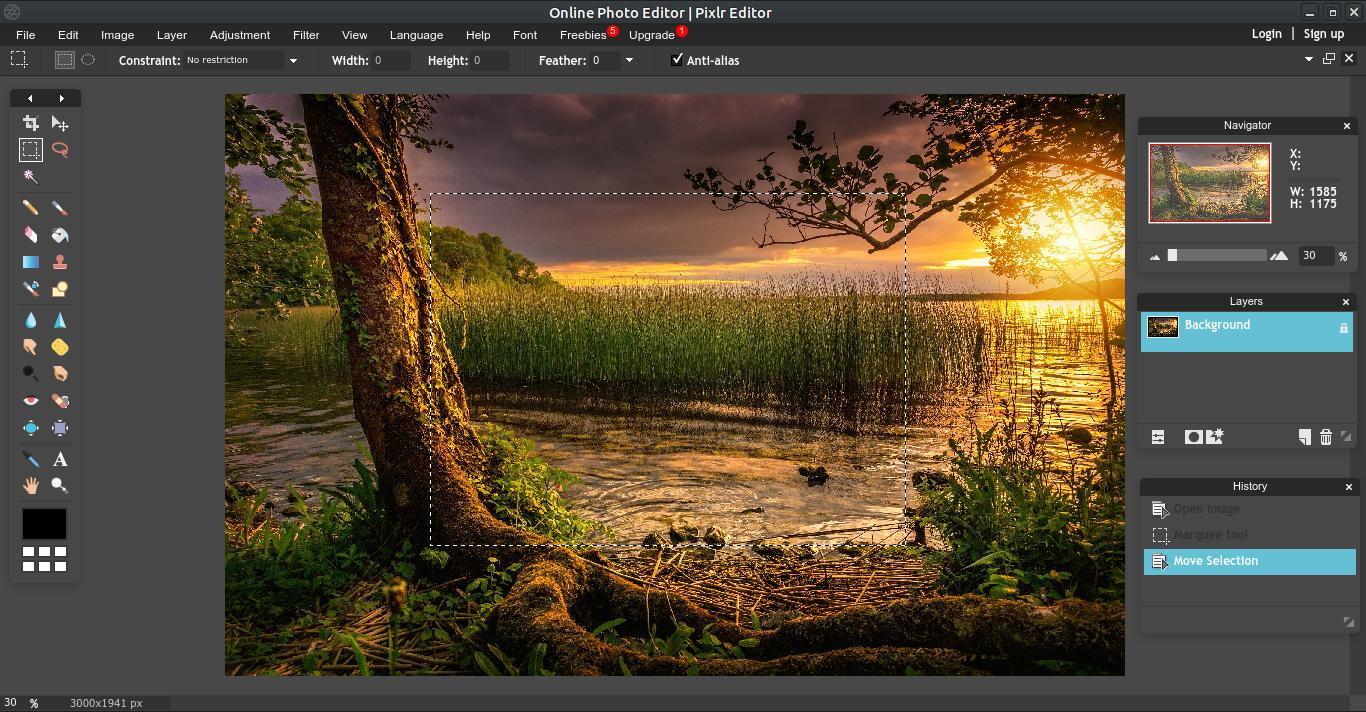
Pixlr is a full-fledged online photo editor with advanced features including an AI “Remove BG” tool, and a “Background Changer” that allows transparent background creation and replacement. It can handle high resolutions (up to 4096×4096) and a variety of images simultaneously, and is therefore appropriate to both amateur and professional use.
Where this tool shines in practice
Pixlr suits users who need more control than simple background removers provide. Ideal for designers, photographers, and creators who want transparency plus advanced editing tools.
Hands-On Experience
My experience with Pixlr generally feels like using a lightweight professional editor right in the browser. The workspace loads quickly, and the tools respond smoothly even with high-resolution files. I appreciate having both AI and manual controls because it lets me finish projects fully instead of jumping to another application. The UI does take some getting used to, but once I adapted, Pixlr became one of my favorite solutions for detailed transparency work. It's especially useful when I want full creative control without installing heavy software.
4. Pixelcut
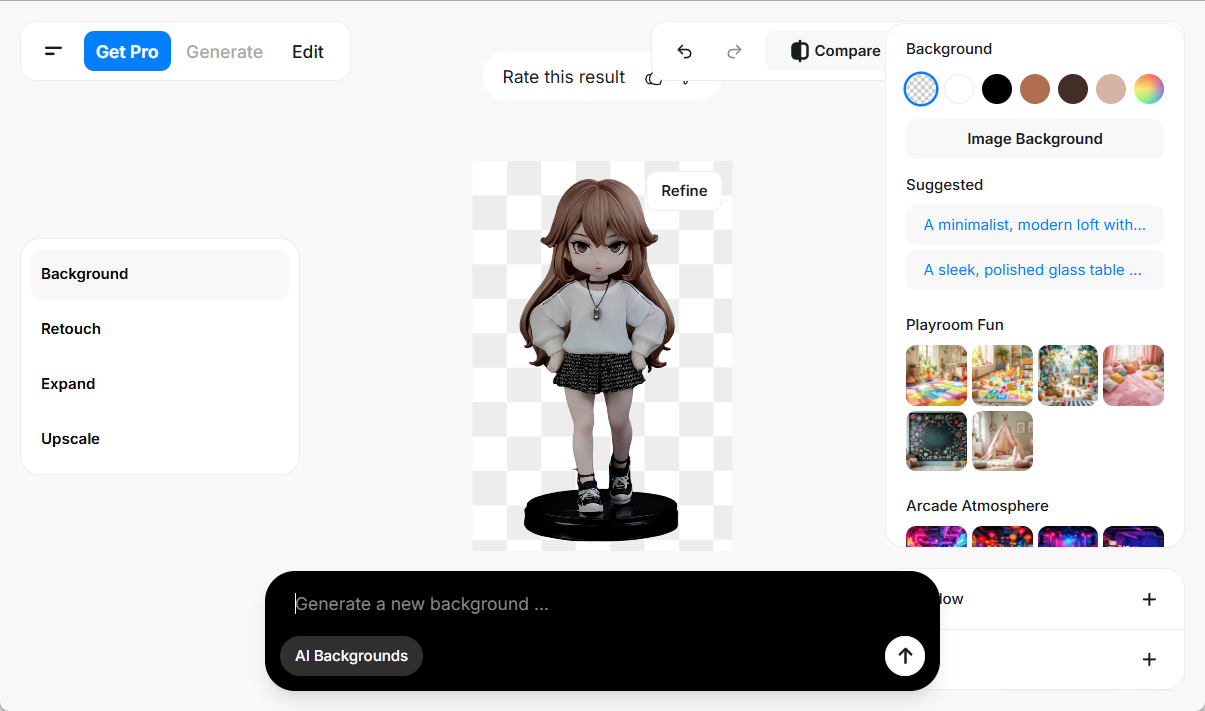
Pixelcut is an online transparent PNG generator, which uses AI to remove the background in less than 3 seconds. It also provides tools for converting JPGs to transparent PNGs, logo cleanup, and even an AI background generator for replacing or changing backgrounds after transparency is achieved.
Where this tool shines in practice
Pixelcut is ideal for users who prioritize speed and clean product cutouts. Great for online sellers, branding specialists, small marketing teams, and creators needing fast outputs.
Hands-On Experience
My user experience with Pixelcut is always defined by its speed. The app loads quickly, the removal happens instantly, and exports are straightforward. I haven’t experienced crashes even when switching devices or working with moderate-sized images. While its editing capabilities are not as extensive as deeper platforms, the simplicity helps when I need rapid results. For product-focused workflows, Pixelcut consistently delivers clean transparency with minimal involvement.
5. Retoucher.online
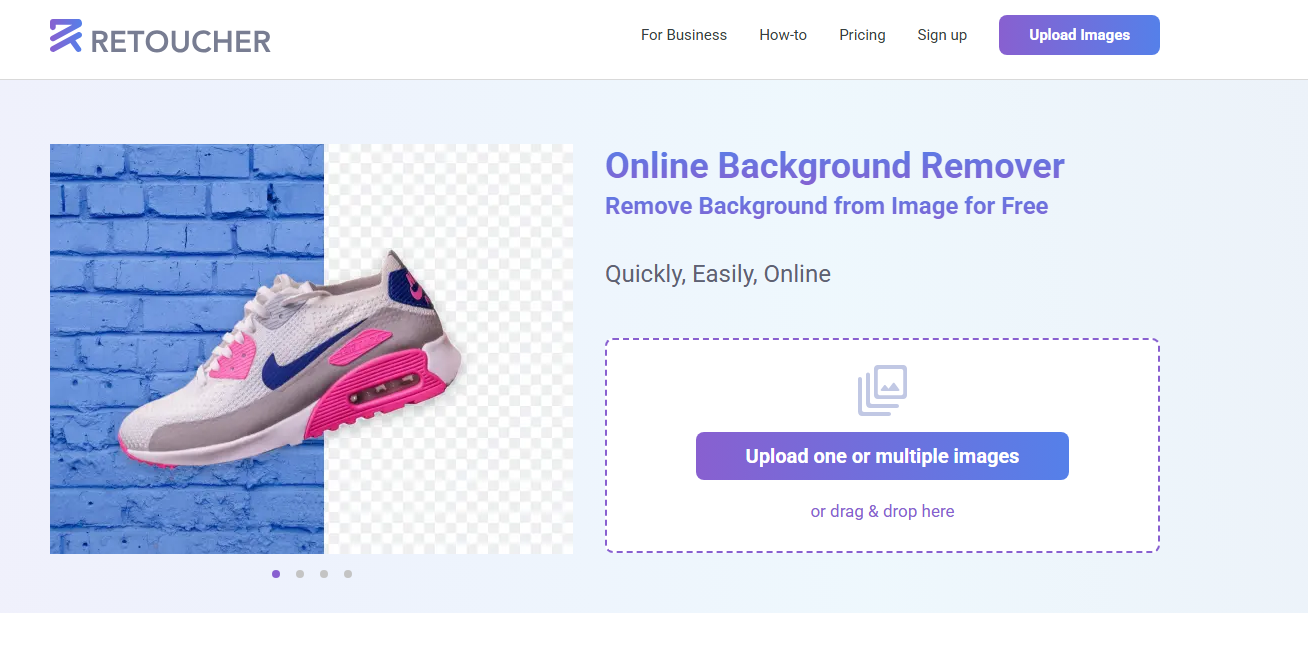
Retoucher.online provides a very straightforward “Free Transparent Background Maker” tool: upload your image, remove the background, and download as a transparent PNG. No install, minimal learning. Made to suit those who only require a cut-out that is fast.
Where this tool shines in practice
Retoucher.online is perfect for users who only need quick, no-frills background removal. Great for occasional editors, students, casual creators, and small tasks.
Hands-On Experience
Using Retoucher.online feels refreshingly straightforward. I upload an image, wait a moment, and get a transparent PNG with almost no interaction. It’s fast enough for everyday tasks and works smoothly on most browsers. While I can’t perform detailed edits or handle complicated subjects, the simplicity makes it ideal when I don’t want to spend time inside a larger editing suite. For straightforward, low-complexity jobs, it gets the work done cleanly and efficiently.
6. OnlinePNGTools
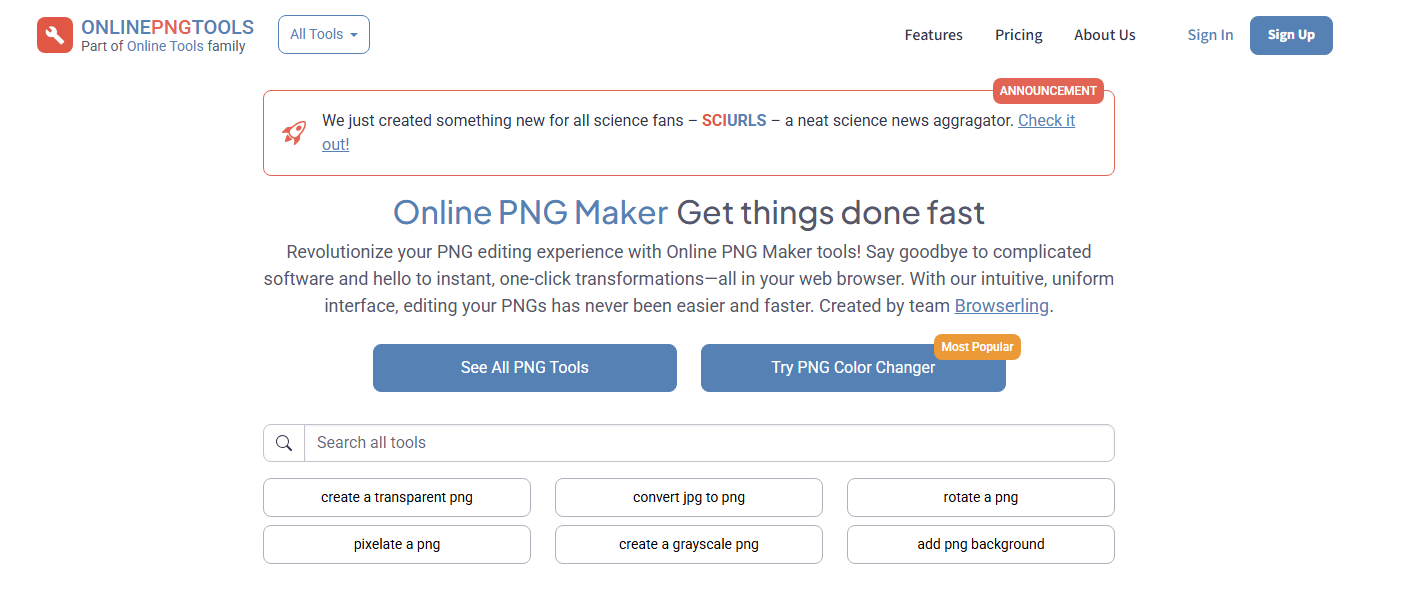
OnlinePNG Tools is a simple tool: just upload a PNG image, and you get a transparent one right away. It is focused on simplicity and speed rather than fancy features. Perfect in the event that you already have a picture, and just want to remove the background in a hurry, online.
Where this tool shines in practice
OnlinePNGTools is suited for users who need instant transparency without any additional editing. Ideal for developers, students, quick fixes, and rapid online tasks.
Hands-On Experience
My experience with OnlinePNGTools is defined by speed and minimalism. It loads fast, processes almost instantly, and doesn’t distract me with unnecessary steps. While I can’t complete advanced transparency work with it, the tool accomplishes what it promises efficiently. For small, uncomplicated images, it’s one of the quickest ways to generate transparency without opening a full editor. I appreciate its reliability whenever I only need basic edits.
7. PhotoScissors
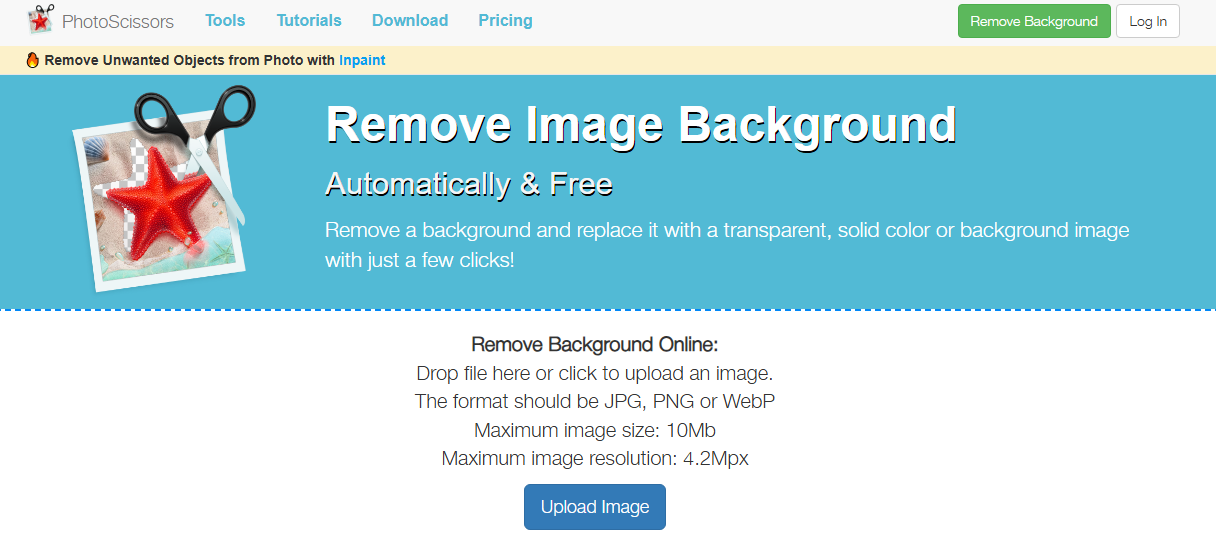
PhotoScissors is a free online program titled Make a Transparent Image Background. Add JPG/PNG/WebP (up to 10 MB / 4.2 MP) and remove the background automatically or work with manual tools (mark areas) to have more control. It is a decent intermediate between auto only and full-featured editors.
Where this tool shines in practice
PhotoScissors is great for users who want manual control after automatic removal. Useful for editors dealing with tricky edges, hair, and difficult subjects.
Applications: portraits, product images, clothing items, complex cutouts, creative composites.
Hands-On Experience
My user experience with PhotoScissors has always been focused on accuracy. The auto removal is reliable, but it’s the manual tools that make the difference. I appreciate being able to refine problematic edges without switching programs. The workflow remains smooth as long as the image falls within the size limits. For more delicate subjects, the manual control allows for cleaner results that automated-only tools might miss. Overall, the experience feels like a good balance between simplicity and detailed editing.
8. Fotor
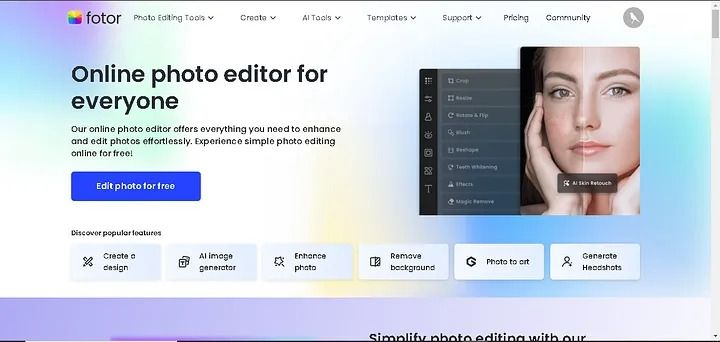
The free PNG Maker by Fotor allows you to turn JPG images into transparent PNGs on the web. It is also equipped with an editing suite- resize, add text, filter use, combine with designs. Good in case of transparent background and other design adjustments all in one place.
Where this tool shines in practice
Fotor is ideal for users who want transparency plus broader editing tools. It suits marketers, content creators, small businesses, and designers working on brand visuals.
Applications: product edits, promotional graphics, thumbnails, banners, ads.
Hands-On Experience
My experience with Fotor has always been about versatility. The background removal is solid, but what makes it valuable is the editing suite that follows. I can work on an entire design within one platform, saving me time when producing marketing content. The interface takes a bit of adjustment, but once familiar, it’s easy to navigate between editing functions and export options. Performance is stable, and I rarely face delays. It’s a great solution when I need transparency plus creative design in one place.
9. Erase.bg
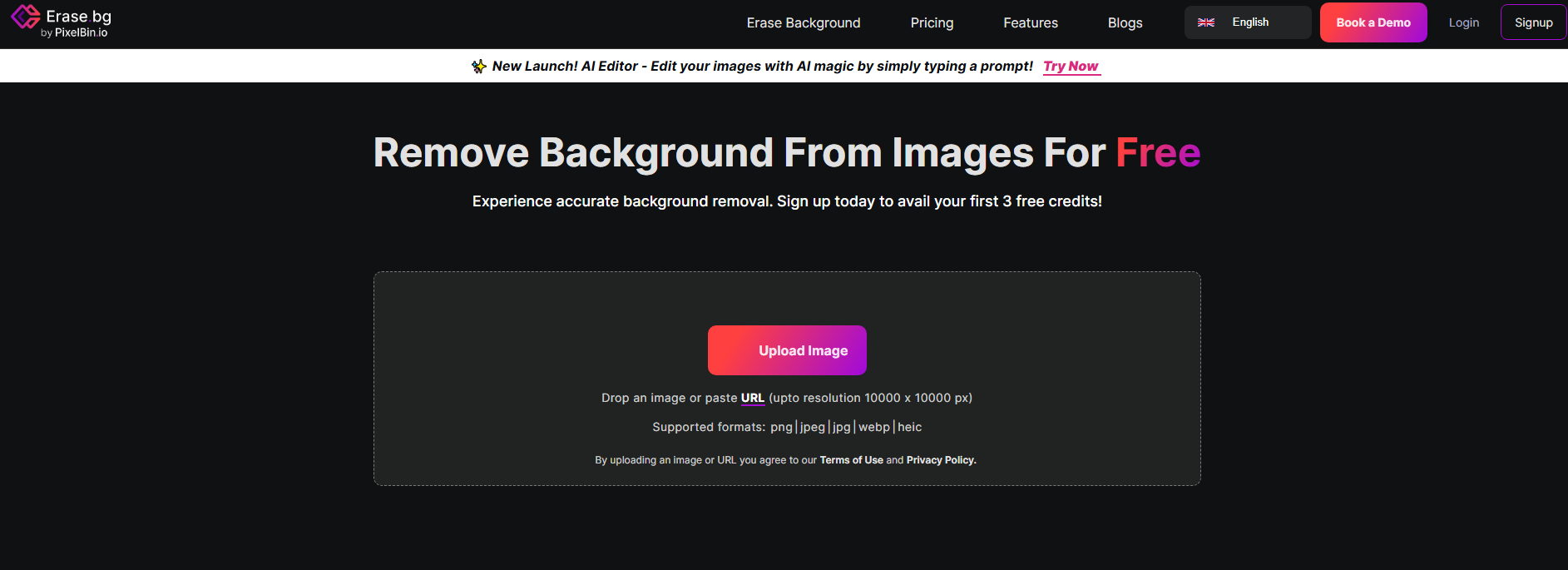
Erase.bg is a free web-based PNG Maker: load an image, take out the backdrop, download clear PNG. It focuses on speed and ease and does not require any sign-up. It is perfect with logos, portraits or product shots that require transparency in a short time.
Where this tool shines in practice
Erase.bg is excellent for users needing clean, simple background removals quickly. Ideal for everyday creators, small businesses, and casual editors.
Applications: profile images, product shots, social content, logos, quick PNGs.
Hands-On Experience
Using Erase.bg feels quick and uncomplicated. The uploading, processing, and downloading steps happen in seconds, making it ideal when I need rapid results. The AI is reliable enough for everyday tasks, and the Web interface works smoothly across devices. While it’s not the best choice for complex cutouts, it excels at simple-to-moderate jobs. My experience has been consistently positive whenever I need fast, clean outputs without digging into detailed editing.
10. VideoBGRemover
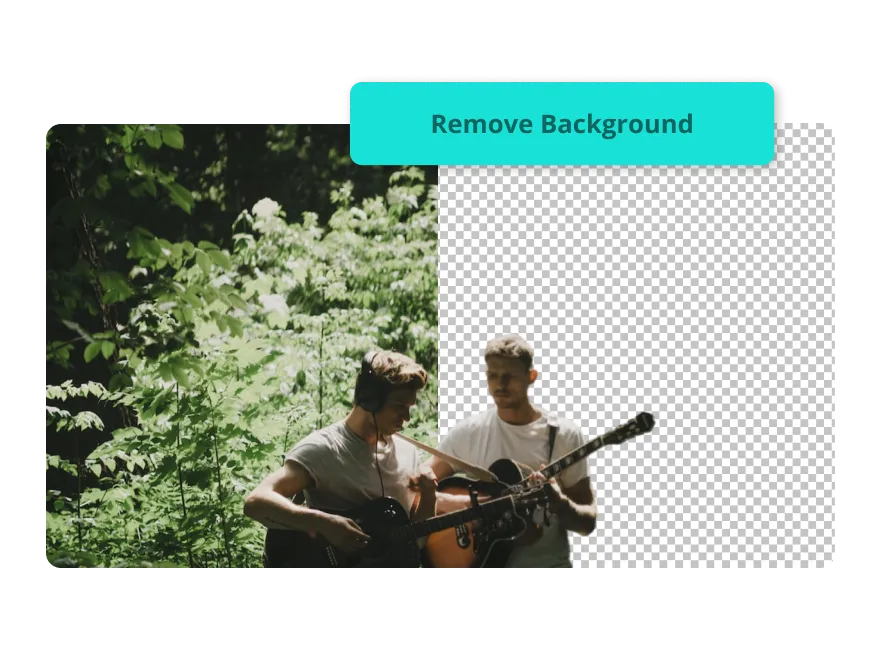
Even though the majority of the tools are image-oriented, it is worth mentioning VideoBGRemover, which allows to export transparent video backgrounds, i.e. supports such formats as PNG sequence, WebM with alpha channel, upload video, AI removes background, and you can download transparent output. If you ever need a transparent background maker for moving visuals, this is a strong pick.
Where this tool shines in practice
VideoBGRemover is ideal for users who need transparent video footage without expensive software. Great for editors, motion designers, content creators, and educators.
Applications: overlays, motion graphics, intro videos, animated elements, tutorials.
Hands-On Experience
My experience with VideoBGRemover has been very positive, especially for fast-turnaround video projects. The upload and removal process is clear, and the platform handles standard clips efficiently. I appreciate that I can test results with the free preview before committing to a full export. For creators who frequently need transparent overlays, this tool eliminates the need for time-consuming manual work. While not as powerful as professional video editors, it’s extremely useful for what it offers.
What Surprised Me Most While Comparing the Platforms
After spending weeks testing all ten tools, a few unexpected things stood out—things I never would’ve noticed without using them side-by-side.
AI Isn’t Always Smarter
Some “AI-powered” platforms actually performed worse than simple, older tools. A couple struggled with complicated backgrounds, while basic sites like Retoucher.online handled them surprisingly well.
Batch Tools Aren’t Always Faster
I assumed batch removal would save time. In reality, some batch tools processed images inconsistently—forcing me to fix individual files afterward. Sometimes doing them one by one was genuinely faster.
Complex Editors Didn’t Always Win
Tools with tons of features—layers, brushes, and effects—occasionally felt slow or overwhelming when all I needed was one clean PNG. Meanwhile, lightweight editors delivered cleaner edges in half the time.
Resolution Limits Matter More Than Expected
A few tools quietly capped output resolution. I didn’t notice it at first until I tried using the PNGs for professional graphics and saw a drop in sharpness.
Video Transparency Was a Game-Changer
I didn’t expect VideoBGRemover to be such a standout. Being able to export transparent video without green screens changed the way I build animated overlays.
These discoveries made me realize that the tool with the most features isn’t always the best choice—you need the tool that aligns with your actual workflow.
How I Use These Tools in Real Creative Projects
When I’m working on real creative projects, I pick tools based on the type of image I’m editing, not based on which one has the most features. Here’s how I match tools to actual tasks in my workflow:
For Product Photos
I typically start with CapCut because its AI removes shadows cleanly without flattening textures. Then I add soft drop-shadows or textured backgrounds directly within the editor.
For Social Media Graphics
I use Fotor or Pixelcut, depending on whether I’m working with a single image or a larger batch. Both tools let me add overlays, colors, and branding without switching apps.
For Logos and Icons
I rely on OnlinePNGTools more often than I expected. It’s quick, accurate, and doesn’t distort crisp edges.
For Portraits or Influencer Content
Pixlr gives me the control I need, especially when handling hair or soft edges. The combination of AI + manual tools helps me get a more natural-looking transparency.
For Motion Graphics and Tutorials
VideoBGRemover is a lifesaver. I use it when I need transparent animations or floating overlays without setting up a green screen studio.
Using tools in this practical way helps me stay efficient and ensures I always choose the right platform for each specific creative task.
Conclusion
All people select tools based on their need: simplicity vs control, images vs video, one-off vs batch workflows. After trying a lot of them, the most recommendable one is CapCut. It strikes an excellent balance of power and ease: the transparent background maker and AI background generator functions raise it above many other free tools. In 2026, CapCut will be one of the best options in terms of a powerful online background-making tool, particularly when you are starting or when you need high-quality and fast outputs.
FAQs
Can you suggest the Transparent background maker online free?
CapCut is a leading free online tool for creating transparent backgrounds. Its AI-driven remover, PNG support, and cloud-based editor let you remove backgrounds quickly and professionally without installing software.
What format should I export if I want a truly transparent background?
For still images, export as PNG with transparency (alpha channel) from CapCut or any of the tools listed. CapCut supports PNG transparent-background export. CapCut For video, a format supporting alpha is needed (e.g., WebM, MOV), like with VideoBGRemover.
Is CapCut suitable for batch processing many images with transparent backgrounds?
CapCut Transparent background maker online free focuses more on single-image or creative edits rather than bulk batch processing. If you have large batch needs, a tool like Picsart or Pixelcut may be more efficient.
10 Best Transparent Background Maker Online Free Tools in 2026